
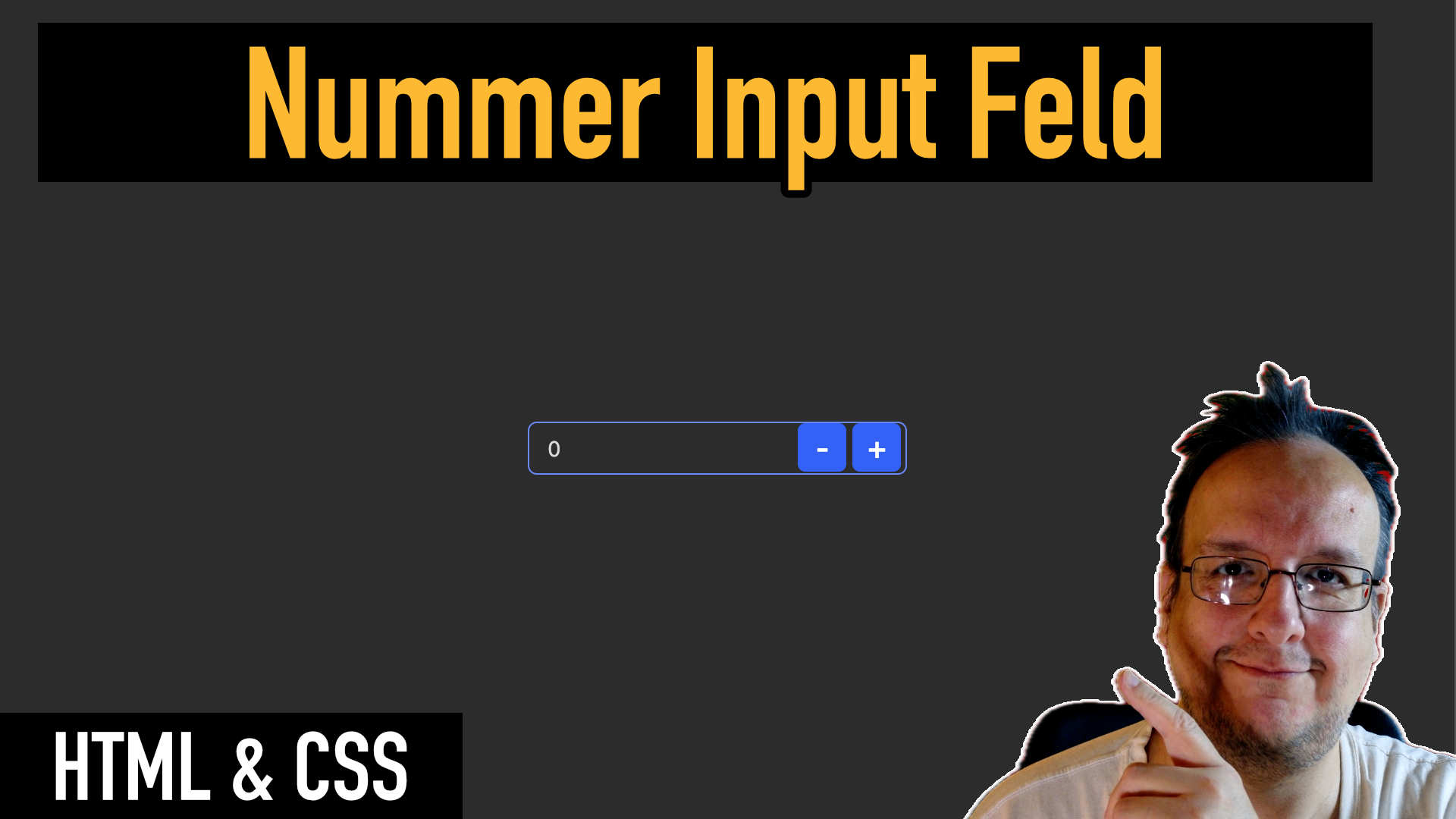
Mit Zahlen muss man in einem Formular immer wieder umgehen können und dafür gibt es dieses Number Input Field das wir alle kennen. Das Problem ist jetzt aber, dass ich dieses Feld ziemlich hässlich finde und heute zeige ich euch wie ihr es mit CSS designen könnt.
Ein kleiner Effekt mit grosser Wirkung.
Video
HTML
<div class="container">
      <div class="zahlBox">
        <input id="zahlInput" type="number" value="0" min="0" />
        <button
          id="minusButton"
          class="amount-button"
          type="button"
          aria-label="Decrease"
        >
          -
        </button>
        <button
          id="plusButton"
          class="amount-button"
          type="button"
          aria-label="Increase"
        >
          +
        </button>
      </div>
    </div>
Javascript
const zahlInput = document.getElementById("zahlInput");
      const plusButton = document.getElementById("plusButton");
      const minusButton = document.getElementById("minusButton");

      plusButton.addEventListener("click", () => {
        const value = parseInt(zahlInput.value || 0);
        zahlInput.value = value + 1;
      });

      minusButton.addEventListener("click", () => {
        const value = parseInt(zahlInput.value || 0);
        zahlInput.value = Math.max(0, value - 1);
      });
CSS
:root {
  --bg: #2c2c2c;
  --schrift: #d9d9d9;
  --rand: #6186ff;
  --box-schatten-normal: rgba(255, 255, 255, 0.2);
  --box-schatten-focus: rgba(255, 127, 176, 0.3);
  --button: #2160ff;
  --button-hover: #1641ad;
  --button-schrift: #ffffff;
}
body {
  background-color: var(--bg);
  display: flex;
  justify-content: center;
  align-items: center;
  min-height: 100vh;
}

.container {
  width: 250px;
  max-width: 100%;
  margin-top: 1rem;
}

.zahlBox {
  position: relative;
  display: flex;
  align-items: center;
}

/* Input */
input[type="number"] {
  width: 100%;
  background-color: transparent;
  color: var(--schrift);
  font-size: 14px;
  border: 1px solid var(--rand);
  border-radius: 6px;
  padding: 8px 76px 8px 12px;
  box-shadow: 0 1px 2px var(--box-schatten);
  transition: border-color 0.3s, box-shadow 0.3s;
  text-align: left;
}

input[type="number"]:focus {
  outline: none;
  border-color: #94a3b8; /* slate-400 */
  box-shadow: 0 0 0 3px rgba(255, 70, 144, 0.2);
}

input[type="number"]:hover {
  border-color: #cbd5e1; /* slate-300 */
}

/* Spin Buttons entfernen (Chrome, Safari, Edge) */
input::-webkit-outer-spin-button,
input::-webkit-inner-spin-button {
  appearance: none;
  -webkit-appearance: none;
  margin: 0;
}

/* Firefox */
input[type="number"] {
  -moz-appearance: textfield;
}

/* Button-Grunddesign */
.amount-button {
  position: absolute;
  top: 1px;
  border: none;
  border-radius: 5px;
  background-color: var(--button);
  padding: 6px;
  color: var(--button-schrift);
  cursor: pointer;
  font-size: 20px;
  font-weight: 500;
  transition: all 0.2s ease;
  width: 32px;
  height: 32px;
  display: flex;
  align-items: center;
  justify-content: center;
}

.amount-button:hover {
  background-color: var(--button-hover);
  box-shadow: 0 2px 4px rgba(0, 0, 0, 0.2);
}

#minusButton {
  right: 40px;
}

#plusButton {
  right: 4px;
}






0 Kommentare