
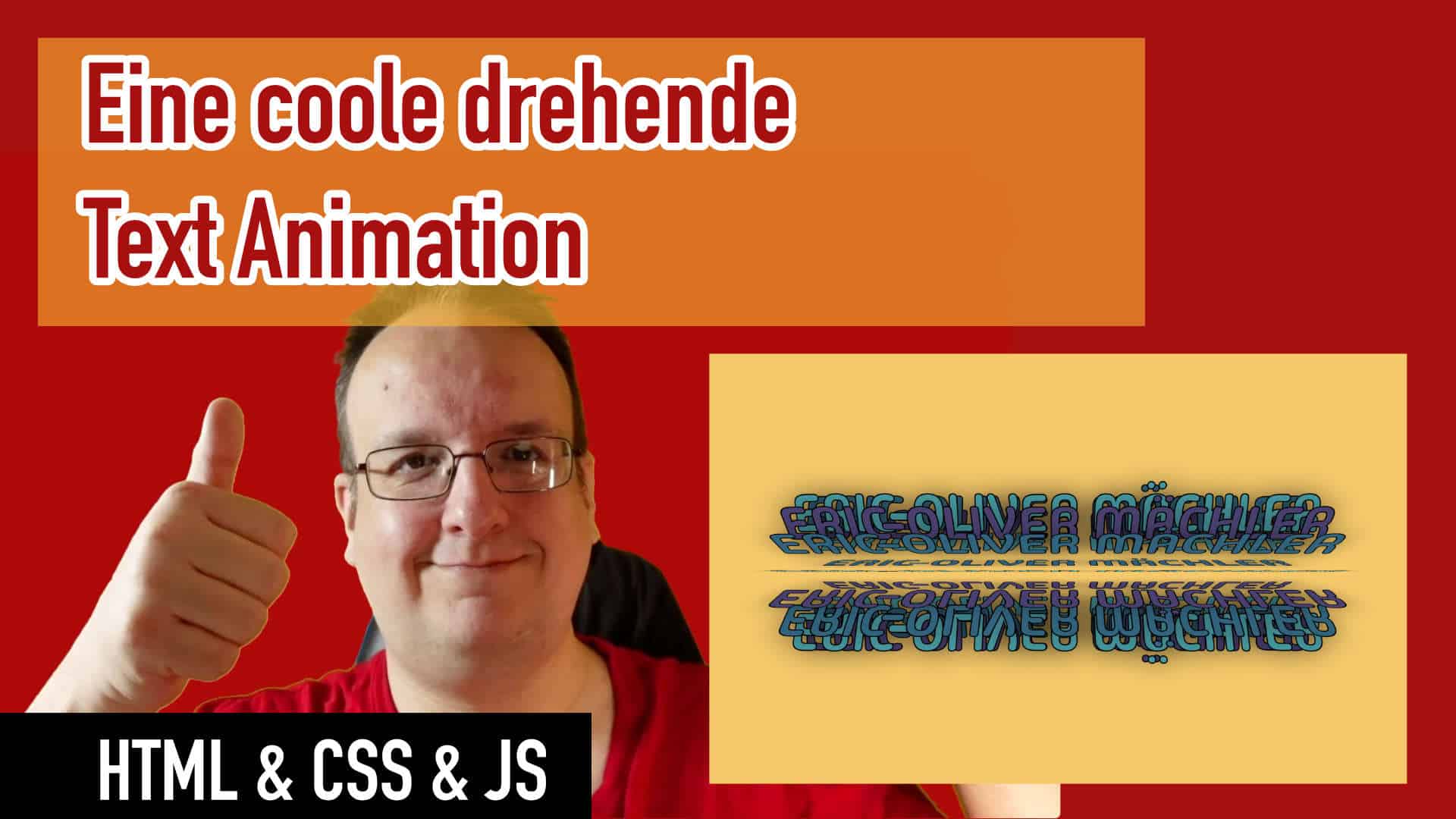
Heute zeige ich euch mal eine kleine verrückte Idee wie ihr einen Titel erstellen könnt. Und zwar ists heute kein einfacher Text sondern ein Text der sich dreht – wie in einer Walze…
Ein echt spannendes Experiment von dem man viel lernen kann.
Video
HTML
<div class="container">
        <div>
            <span style="--i:1;"></span>
            <span style="--i:2;"></span>
            <span style="--i:3;"></span>
            <span style="--i:4;"></span>
            <span style="--i:5;"></span>
            <span style="--i:6;"></span>
            <span style="--i:7;"></span>
            <span style="--i:8;"></span>
            <span style="--i:9;"></span>
            <span style="--i:10;"></span>
            <span style="--i:11;"></span>
            <span style="--i:12;"></span>
            <span style="--i:13;"></span>
            <span style="--i:14;"></span>
            <span style="--i:15;"></span>


        </div>
    </div>
CSS
* {
    margin: 0;
    padding: 0;
    box-sizing: border-box;
    font-family: "Madimi One", sans-serif;
    font-weight: 400;
}

body {
    background: #ffc857;
    min-height: 100vh;
    display: flex;
    align-items: center;
    justify-content: center;
    overflow: hidden;
}

.container {
    position: relative;
    width: 100%;
    height: 350px;
    transform-style: preserve-3d;
}

.container div {
    position: absolute;
    width: 100%;
    height: 100%;
    transform-style: preserve-3d;
    animation: drehen 10s linear infinite;
}

.container div span {
    position: absolute;
    inset: 0;
    /*background: #ff01;*/
    transform: rotateX(calc(var(--i) * 24deg));
}

.container div span::before {
    content: "Eric-Oliver Mächler";
    position: absolute;
    width: 100%;
    height: 100%;
    text-align: center;
    color: #19647e;
    text-transform: uppercase;
    font-size: 6em;
    -webkit-text-stroke: 2px #000;
    text-shadow: 0 0 50px rgba(0, 0, 0, .5);
}

.container div span:nth-child(3n+1)::before {
    color: #4b3f72;
}

.container div span:nth-child(3n+2)::before {
    color: #119da4;
}

@keyframes drehen {
    0% {
        transform: perspective(1000px) rotateX(0deg);
    }

    100% {
        transform: perspective(1000px) rotateX(359deg);
    }
}





0 Kommentare