
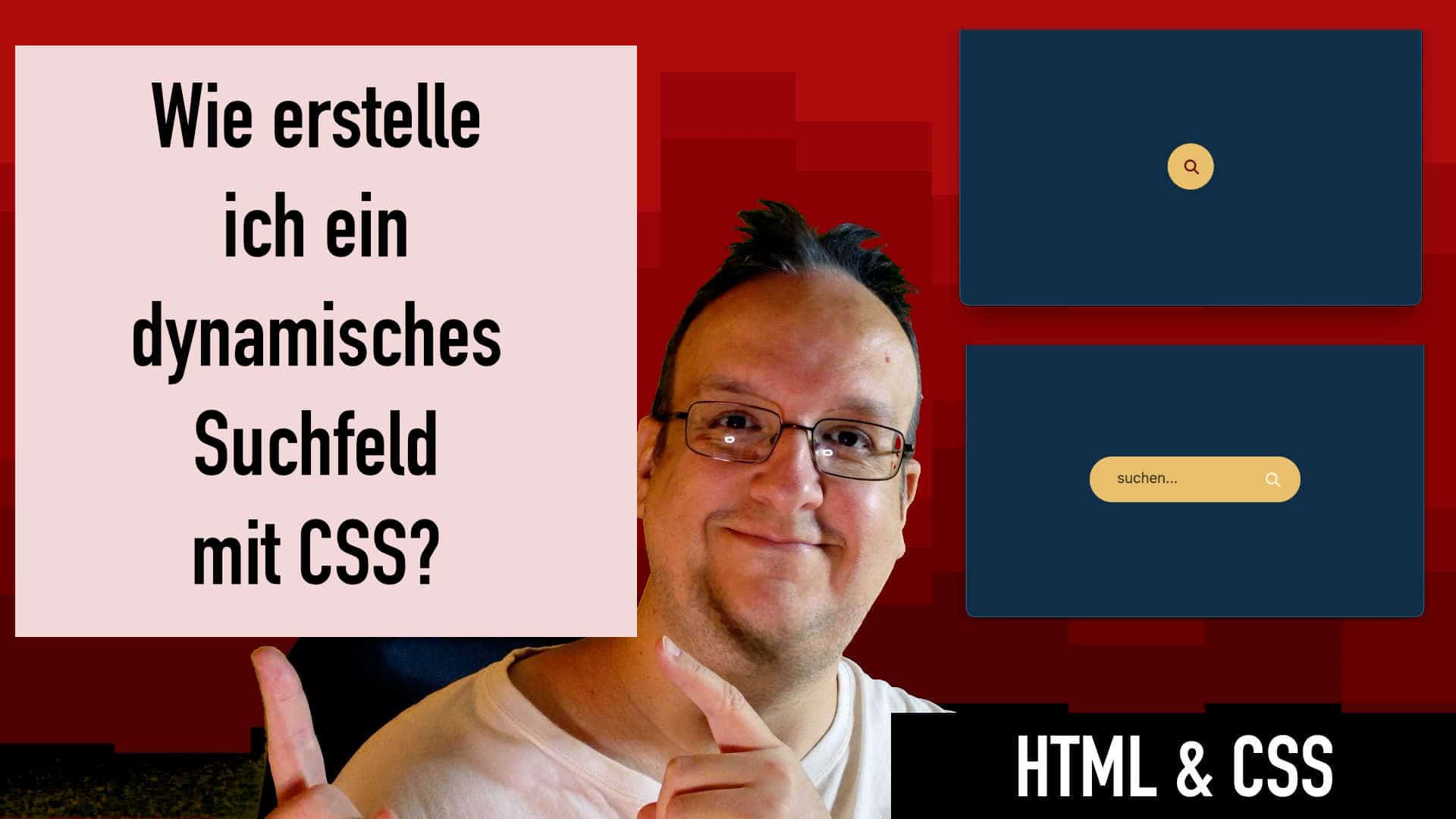
Habt ihr schon mal versucht ein Suchfeld in eure Webseite einzubauen hattet aber das Problem, dass ihr dafür keinen Platz habt? Wie wäre es wenn man so ein Suchfeld hinter einem Icon verstecken würde? Erst wenn man auf das Icon drauf klickt dann erscheint der Button. In der heutigen Anleitung zeige ich euch wie das genau geht.
Video
HTML
<div class="container">
      <input checked="" class="checkbox" type="checkbox" />
      <div class="mainbox">
        <div class="iconContainer">
          <i class="fa-solid fa-magnifying-glass"></i>
        </div>
        <input class="search_input" placeholder="suchen..." type="text" />
      </div>
    </div>
CSS
:root {
  --seite-bg: #003049;
  --icon-close-color: #780000;
  --icon-offen-color: #fdf0d5;
  --flaeche-color: #f0bf5d;
  --text-color: #000;
  --placeholder-color: rgba(0, 0, 0, 0.7);
}
* {
  margin: 0;
  padding: 0;
  box-sizing: border-box;
}

body {
  background: var(--seite-bg);
  display: flex;
  justify-content: center;
  align-items: center;
  min-height: 100vh;
}
.container {
  position: relative;
  width: fit-content;
}

.mainbox {
  position: relative;
  width: 230px;
  height: 50px;
  display: flex;
  flex-direction: row-reverse;
  align-items: center;
  justify-content: center;
  border-radius: 160px;
  background-color: var(--flaeche-color);
  transition: all 300ms ease;
}

/* farbe im offnen modus*/
.fa-solid {
  color: var(--icon-offen-color);
}

/* farbe im runden modus */
.checkbox:checked ~ .mainbox .fa-solid {
  color: var(--icon-close-color);
}

.checkbox:focus {
  border: none;
  outline: none;
}

.checkbox:checked {
  right: 10px;
}

.checkbox:checked ~ .mainbox {
  width: 50px;
}

.checkbox:checked ~ .mainbox .search_input {
  width: 0;
  height: 0px;
}

/* entferne häckchen */

.checkbox:checked ~ .mainbox .iconContainer {
  padding-right: 8px;
}

.checkbox {
  width: 30px;
  height: 30px;
  position: absolute;
  right: 17px;
  top: 10px;
  z-index: 10;
  cursor: pointer;
  appearance: none;
}

.search_input {
  height: 100%;
  width: 170px;
  background-color: transparent;
  border: none;
  outline: none;
  padding-bottom: 4px;
  padding-left: 10px;
  font-size: 1em;
  color: var(--text-color);
  transition: all 300ms ease;
}

.search_input::placeholder {
  color: var(--placeholder-color);
}

.iconContainer {
  padding-top: 5px;
  width: fit-content;
  transition: all 300ms ease;
}





0 Kommentare