
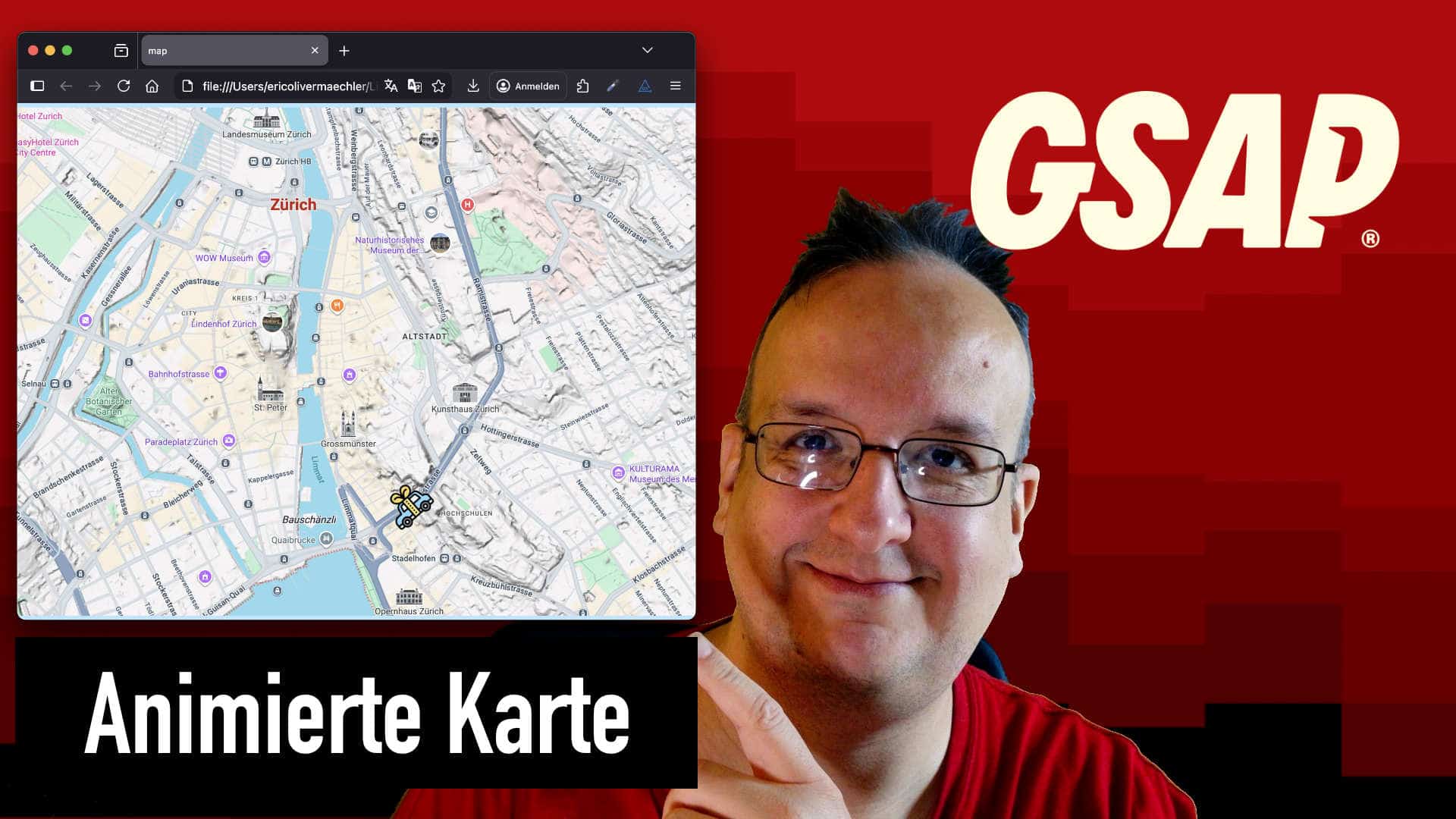
Heute zeige ich euch wie ihr mit GSAP und SVG eine animierte Karte erstellen könnt. Ihr lernt nämlich wie man ein Objekt am Pfad ausrichten kann und ihn danach bewegen kann.
Eine sehr praktische Sache die eure Anfahrtskarte echt speziell macht und nicht ein langweiliges Bild ist.
Video
Video

GSAP Verlinken
<script src="https://cdn.jsdelivr.net/npm/gsap@3.14.1/dist/gsap.min.js"></script>
<script src="https://cdn.jsdelivr.net/npm/gsap@3.14.1/dist/MotionPathPlugin.min.js"></script>
Video
<div class="page-wrap">
      <div class="map-wrap">
        <div id="auto" class="auto">
          <img src="car.svg" />
        </div>
        <img class="map-img" src="map.png" />
        <div class="path-embed">
          <svg id="Layer_1" viewBox="0 0 2172 1626" version="1.1" xmlns="http://www.w3.org/2000/svg" xmlns:xlink="http://www.w3.org/1999/xlink" xml:space="preserve" xmlns:serif="http://www.serif.com/">
            <path id="path" d="M757.242,296.362L664......" />
          </svg>
        </div>
      </div>
    </div>
CSS
* {
  margin: 0;
  padding: 0;
  box-sizing: border-box;
}
html,
body {
  height: 100%;
}
img {
  max-width: 100%;
  vertical-align: middle;
  display: inline-block;
}

.page-wrap {
  position: relative;
  display: flex;
  justify-content: center;
  align-items: center;
  height: 100vh;
  width: 100%;
  flex-direction: column;
  background: #b7e6ff;
}

.map-img {
  width: 100%;
}

.path-embed {
  position: absolute;
  left: 0%;
  top: 0%;
  right: auto;
  bottom: auto;
  width: 100%;
  margin-top: 0%;
  margin-left: 0%;
  opacity: 0; /* pfad vertecken */
  /*z-index: 1;*/
}

.map-wrap {
  position: relative;
}

.auto {
  position: absolute;
  width: 60px;
  height: 60px;
  margin-top: 13%;
  margin-left: 33%;
  /*z-index: 2;*/
}

.auto img {
  height: 100%;
  width: 100%;
  object-fit: contain;
  transform: rotate(0deg);
}

@media (max-width: 600px) {
  .auto {
    width: 30px;
    height: 30px;
  }
}
GSAP
function initMotionpfad() {
    gsap.registerPlugin(MotionPathPlugin);

/* variablen setzen */
let timeline; /* store animation timeline */
let resizeTimeout; /* brauchen wir für browserbreite veränderungen */
let rotation = false;

function buildTween(progress = 0){

    timeline = gsap.to("#auto", {
    motionPath: {
        path: "#path",
        align: "#path",
        alignOrigin:[0.5,0.5], /* center icon */
        autoRotate: true,
    },
    duration: 8,
    repeat: -1,
    repeatDelay: 1,
    yoyo: true,
    ease: "none",
    onRepeat: () => {
        gsap.to("#auto img", {
            //transform:rotation ? "rotate(0deg)" : "rotate(-0deg",
            scaleX: rotation ? 1: -1,
        });
        rotation = !rotation;
    },
    });

    timeline.progress(progress);

}
/* funktion um die reibungslose ablauf der animation zu garantieren wenn man browsergrösse verändert */

function recreateTween(){
    const progress = timeline ? timeline.progress() : 0;

    timeline && timeline.kill();
    buildTween(progress);
}

recreateTween();
//tween.pause();


/* resize handler */
window.addEventListener("resize", () => {
    clearTimeout(resizeTimeout);
    resizeTimeout = setTimeout(recreateTween, 150);
});


}
document.addEventListener("DOMContentLoaded", initMotionpfad);





0 Kommentare