
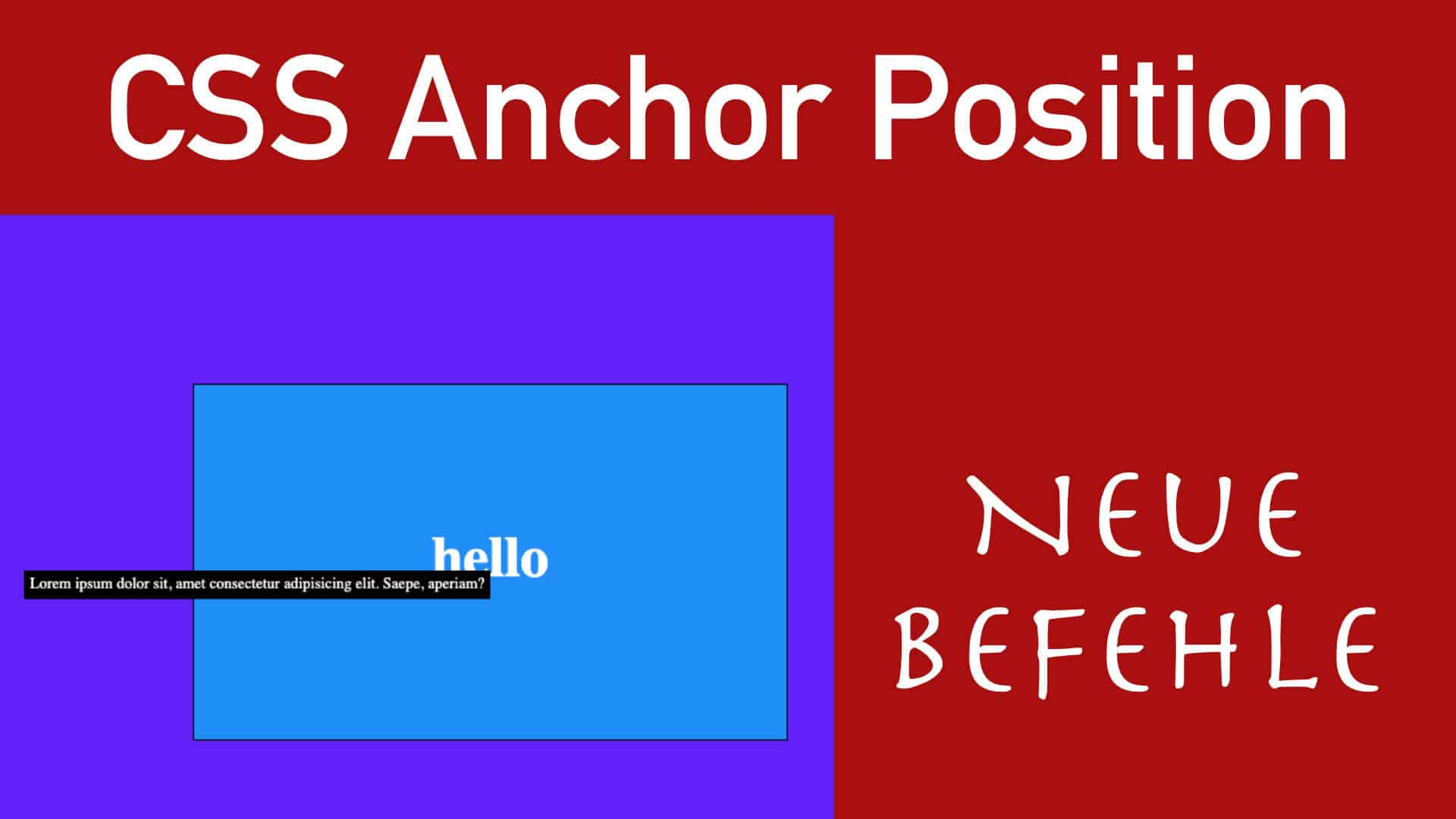
Wenn man Elemente mit CSS miteinander Positionieren will ist das keine leichte Aufgabe, da man nicht nur 1x das Ding anpassen muss sondern auch noch Responsive und und und. Mit Position Absolut hat man dann viel zu tun.
Im heutigen Video zeige ich euch einen neuen CSS Befehl mit dem man von nun an ganz anders Dinge positionieren kann.
Video

Video
HTML
<div class="box">
      <h1>hello</h1>
    </div>
    <div class="info">Lorem ipsum dolor sit, amet consectetur adipisicing elit. Saepe, aperiam?</div>
CSS
* {
  margin: 0;
  padding: 0;
  box-sizing: border-box;
}
body {
  display: flex;
  justify-content: center;
  align-items: center;
  min-height: 100vh;
  background: #6121f8;
  flex-direction: column;
}

h1 {
  font-size: 3rem;
  color: #fff;
}
.box {
  background: #218df8;
  border: 1px solid #000;
  width: 500px;
  height: 300px;

  display: flex;
  justify-content: center;
  align-items: center;
  justify-content: center;

  margin: 100px;

  /*
  position: relative;
  */

  anchor-name: --endposition;
}

.info {
  width: fit-content;
  height: fit-content;
  background: #000;
  color: #fff;
  font-size: 13px;
  overflow: hidden;
  text-align: center;
  padding: 5px;

  display: grid;
  place-items: center;

  /*
  position: absolute;
  top: 50%;
  right: 0;
  */

  position: fixed;
  position-anchor: --endposition;

  /* https://developer.mozilla.org/en-US/docs/Web/CSS/Reference/Properties/position-area */
  position-area: bottom right;
  /* transform: translate(50%, 50%); */ /* left */
  transform: translate(-50%, 0%); /* right */

  opacity: 0;
  transition: 200ms;
}

.box:hover + .info {
  opacity: 1;
}





0 Kommentare