
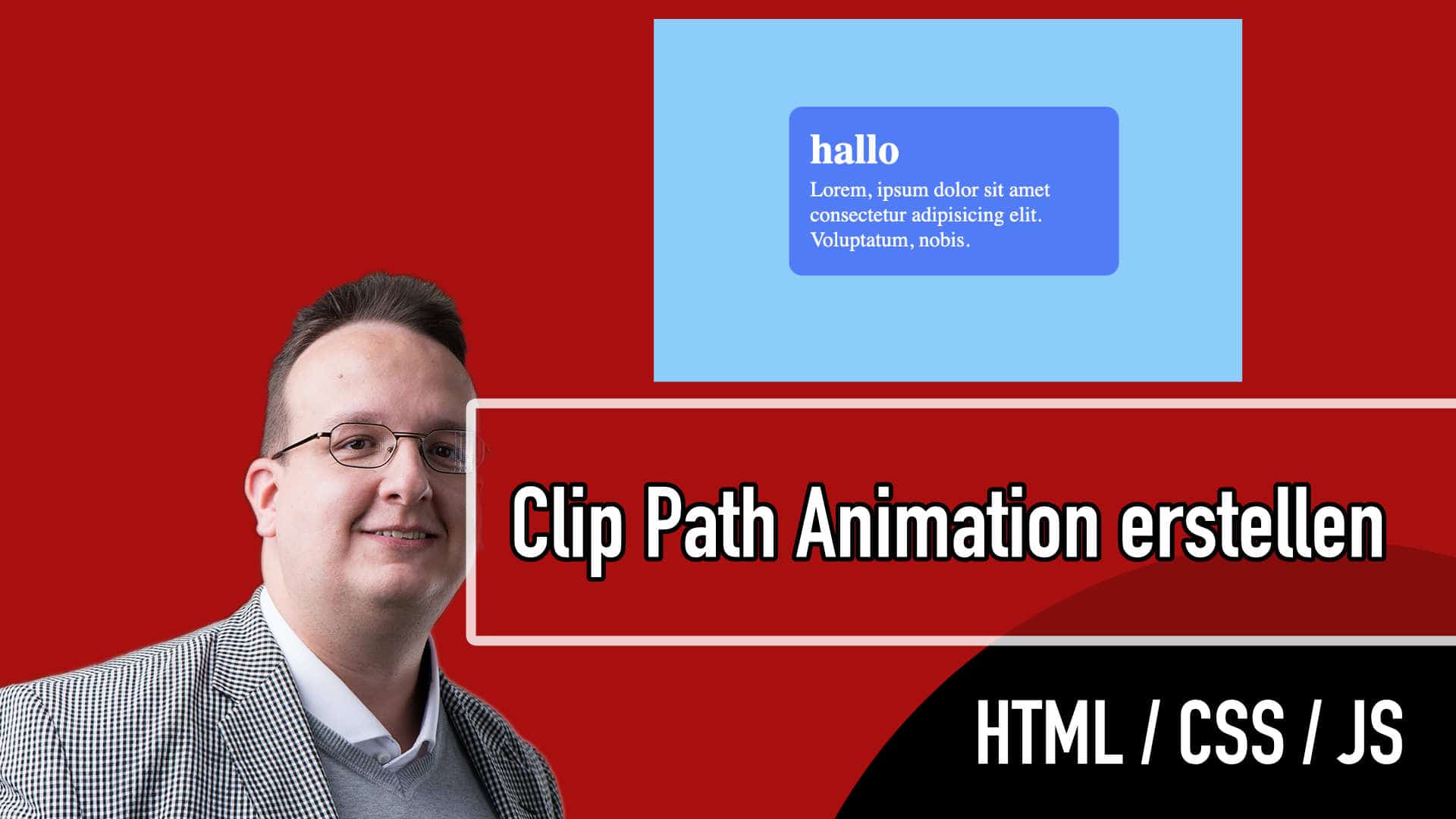
Mit Clip Path kann man nicht nur Bilder verrückte Formen geben, sondern sie auch als Teil einer Animation für Texte und andere Elemente verwenden.
Clippy habe ich euch ja schon öfters gezeigt, denn dieses Tool ist sehr praktisch wenn man Bilder oder wie wir heute lernen auch andere Elemente zuschneiden können.
Heute zeige ich euch wie ihr so ein Info Element erstellen könnt.
Video

HTML
<div class="container">
      <div class="inner">
        <span>i</span>
        <h1>hallo</h1>
        <p>Lorem, ipsum dolor sit amet consectetur adipisicing elit. Voluptatum, nobis.</p>
      </div>
    </div>
CSS
.inner {
  background: #ff43bd;
  padding: 1em;
  border-radius: 10px;
  width: 250px;
  color: #fff;

  clip-path: circle(10% at 90% 20%);
  transition: all 500ms ease-in-out;

  cursor: pointer;
}

.inner:hover {
  clip-path: circle(75% at 50% 50%);
  background: #437bff;
}

span {
  float: right;
  font-weight: bold;
  font-size: 2rem;
  position: relative;
  margin-right: 2%;
  margin-top: -10px;
  color: #fff;
  transition: color 500ms;
}

.inner:hover span {
  color: #437bff;
}






0 Kommentare